





Applied EdTech
Claude Copilot Gemini

AI and Tech in the classroom.

A clear and concise look at Tech and AI tools for every classroom. Hands-on and practical, helping teachers plan, write and think creatively to engage learners and save time. Tested in a real classroom. Led by Judith Kelmanson, built on 30 years of teaching experience.

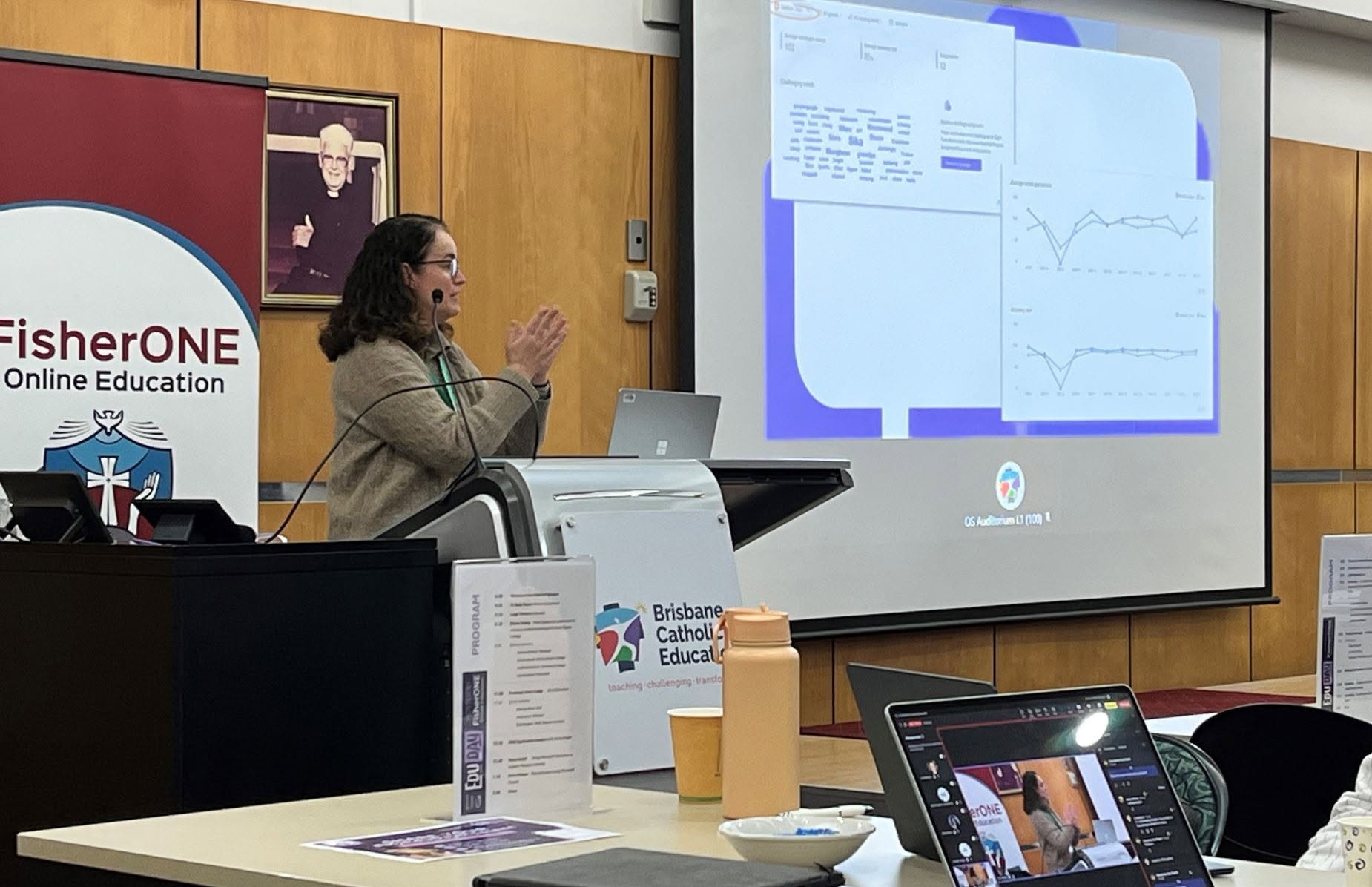
Judith Kelmanson presenting at EduDay Brisbane 2025
Presenting at EduDay Brisbane 2025

Save Time

Cut the admin, keep the teaching.

Spark Creativity

New ways into familiar concepts.

Add Depth & Clarity

Sharper feedback, clearer thinking.

Amplify Excellent Teaching

The tools serve the teacher, not the other way round.

AI tools worth your time

No hype, no jargon, and no need to subscribe to specialist AI EdTech tools. Claude, Copilot and Gemini can support your planning, lesson creation and more. Learn the skills once, and become the architect of your own classroom resources.

Claude

Creating games, planning and lesson development

Let's get building! Claude builds games with ease, helping engage students in personalised learning. Build projects to support your planning and lesson development, feeding in everything Claude needs to know so it works in your own voice and becomes the best sidekick possible.

Example prompt

Build a simple matching game for my Year 4 class to practise fractions. Make it work on a laptop and keep the instructions short.


Copilot

Everyday tasks, Notebooks and Learning Zone

Copilot is your everyday helper, built into the tools your school already uses, like Word, Outlook, PowerPoint and Teams. Use it to reduce your workload: find the right wording for emails, write definitions for PowerPoints, create questions for Kahoots and make images for worksheets.

Copilot Notebooks bring your plans, documents and links together to build units and projects. Microsoft's newer education tools go further: Learning Zone creates interactive lessons, and Teach helps with lesson plans, quizzes and rubrics.

Example prompt

Write 10 multiple-choice questions on the water cycle for a Year 5 Kahoot, with one correct answer each.

Gemini

Fast ideas, Classroom tools and NotebookLM

Gemini is great for fast ideas and image creation, and it's built into Google Classroom, Docs, Slides and Forms for schools already living in Google.

In Classroom, teachers can use it to plan lessons, create quizzes and adjust the reading level of texts. Pair it with NotebookLM, a separate Google tool powered by Gemini, to build complete projects from your own sources and generate ideas from them.

Example prompt

Create a colourful illustration of a Great Barrier Reef food chain for a Year 5 science slide.

More example prompts and classroom walkthroughs are coming soon.

Judith Kelmanson

Thirty years in the classroom, with a true passion for technology.

Microsoft Elevate Educator Expert 2026–2027 Microsoft Innovative Educator Expert (MIEE) 2025–2026

Judith Kelmanson has spent three decades teaching real students, in real classrooms, under real time pressure. Everything shared here comes from that experience, teacher to teacher, and none of it is theory.

The focus is on using Claude, Copilot and Gemini, alongside favourites like Kahoot, to amplify great teaching and spark creativity. Saving time is a welcome bonus, never a shortcut.

30
years teaching
K–12
teacher focus
AU
based

Let's talk AI in your classroom or school.

Workshops and PD sessions are on their way. In the meantime, if you'd like to talk about AI tools for your classroom or staff, reach out directly.

Email Judith